
How can
we help?
Find answers, get guidance, or raise a support ticket for your tax certificates, records and account.

Browse by topic
Choose a category to find guides, FAQs and support options.
Sign in and open My Certificates. Issued certificates are listed with a Download button that gives you the verified PDF. If you don't see a certificate yet, send a certificate request first and download it once its status changes to Issued.
Open Requests in your dashboard. A request is Pending while it is being matched or reviewed, Approved once a Finance Officer accepts it, Rejected if details need fixing, and Issued when your certificate is ready.
Every certificate PDF carries a verification seal and a verified badge printed by TaxHub. Check that both are present and that the certificate details match your record. For a formal check, raise a ticket under Certificates.
Step-by-step video guides
Watch short videos to learn how to use TaxHub.

Still need assistance?
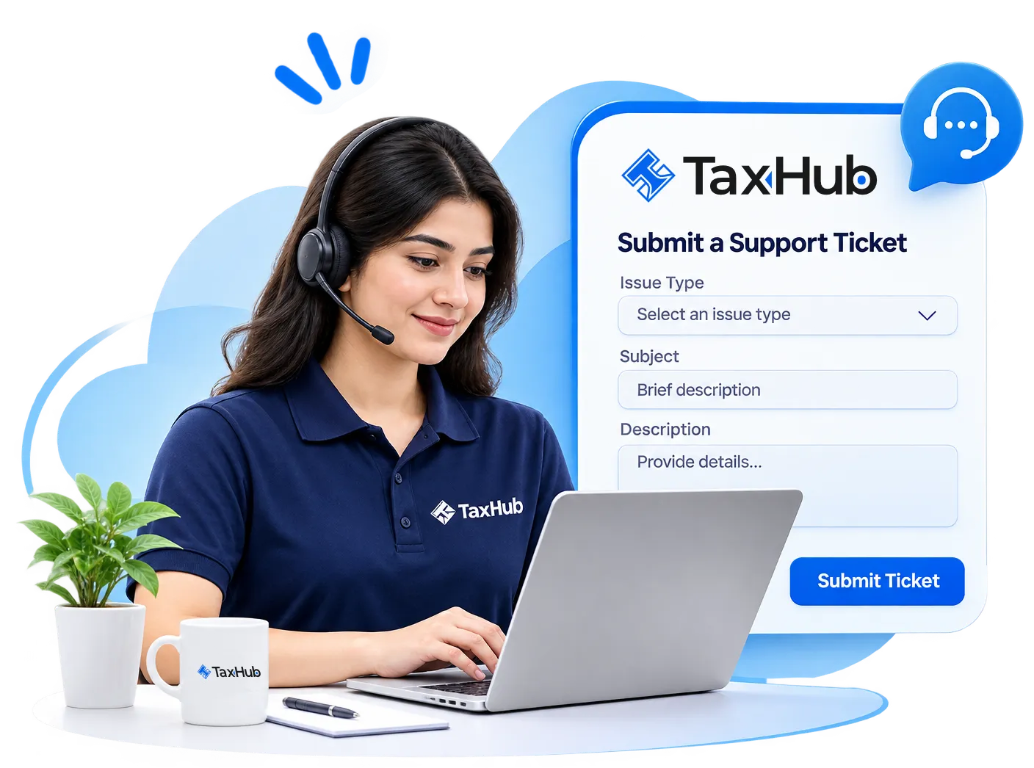
Submit a support ticket and our team will get back to you.
Choose the issue type
Select the relevant category for faster resolution.
Provide the details
Share all relevant information about the problem.
Track your ticket
Get updates on your request status.
Already sent a ticket?
A smoother experience
for all TaxHub users
Whether you need help with certificates, tax records or your account, our support centre brings everything you need in one place.
- Guides & FAQs
- Video tutorials
- Ticket support
- Faster resolution